






Home / Creative / Virtual Piano
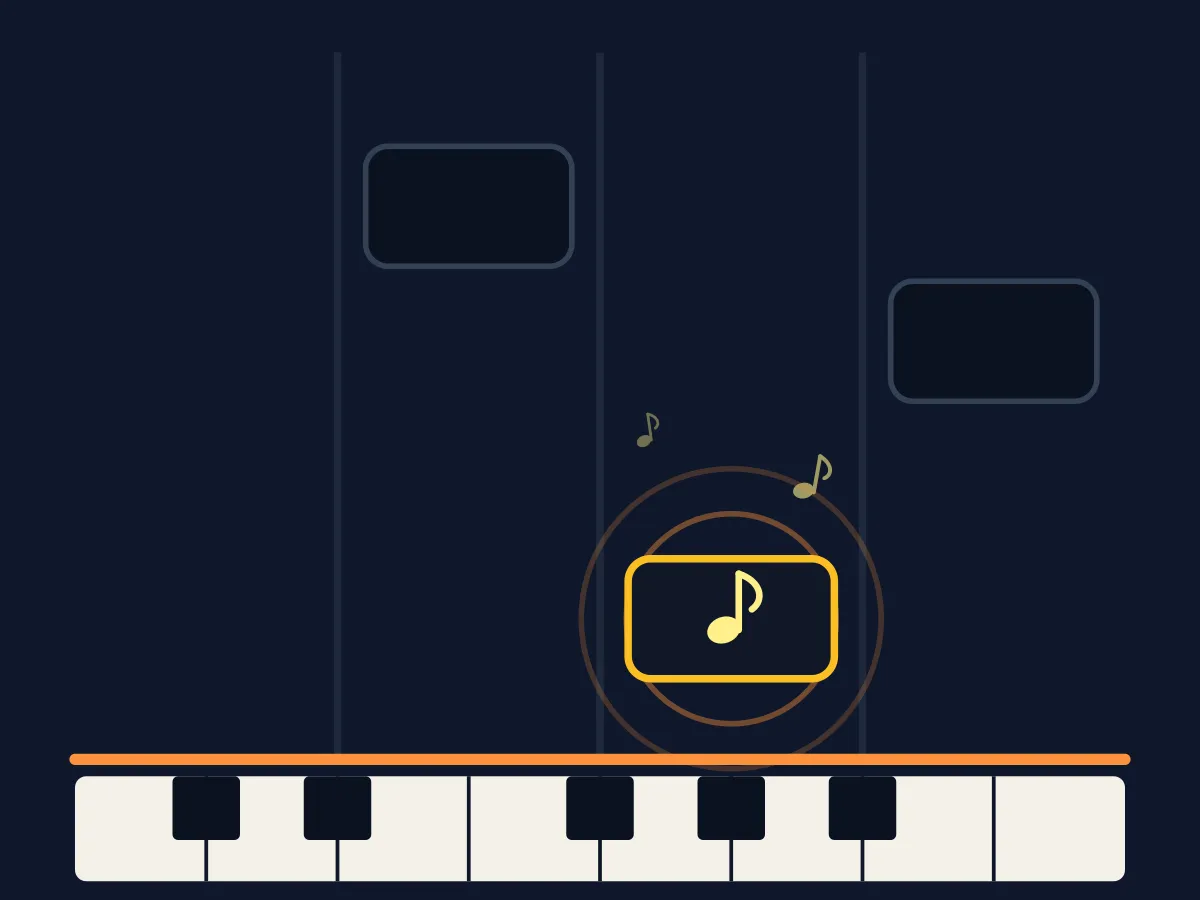
Virtual Piano is a free online piano keyboard you can actually play. Twenty-five keys, two full octaves from middle C, sounded live in the browser rather than from recorded samples — so every note starts the instant you press it, with no loading and nothing to install. Play freely, or switch to practice mode and the next note of a song lights up on the keyboard: press it and the highlight moves on, press the wrong one and it simply counts against your accuracy without resetting your progress. The eight songs are traditional or long out of copyright — Twinkle Twinkle, Ode to Joy, Greensleeves, Scarborough Fair, the opening of Für Elise — and each shows its origin under the keyboard. The letter keys A to J play the white notes and the row above plays the black ones, so the shape under your fingers matches the shape on screen.
How to play Virtual Piano
- Tap or click any key to play it. On a computer, the letters printed on the keys play them: A S D F G H J for the white notes, W E T Y U for the black ones.
- Free Play is the default — nothing is scored, play whatever you like.
- Choose "Practise a Song" and pick a melody from the list. The next note you need lights up in purple on the keyboard.
- Press the highlighted key and the highlight moves to the next note. The counter at the top shows how far through the song you are.
- A wrong note sounds and is counted against your accuracy, but it does not send you back to the start — you can keep going from where you are.
- Finish the song for a star rating: three stars for no wrong notes at all, two for 80% accuracy or better.
Tips
- The letter row is much faster than clicking once you know a song, because you can hold your hand in one position instead of aiming at each key.
- The note name of the next key is written in the guide line above the keyboard, so you can learn what C4 and F5 actually look like as you play.
- Start with Twinkle Twinkle or Mary Had a Little Lamb — both stay inside one octave, so your hand never has to move.
- Für Elise is the hardest of the eight: it starts high, moves in semitones, and then jumps down two octaves.
- Wrong notes are counted, not punished. If you are learning a melody rather than chasing three stars, take as many wrong turns as you like.
- The sound respects the site mute button, so if you need to play silently the highlights still work as a visual guide.
FAQ
Is this virtual piano free?
Yes. It runs in your browser with no download, no account and no purchases. Your best star rating per song is saved on your own device.
Which computer keys play which notes?
A S D F G H J K L and ; play the white keys from middle C upwards, and W E T Y U O P play the black keys above them. Every key shows its letter printed on it, so you do not need to memorise the mapping.
Does it use real piano recordings?
No — the notes are generated live in the browser using the Web Audio API, a triangle wave with a softer octave below it. That keeps the page tiny and means there is no loading delay before the first note, at the cost of not sounding like a concert grand.
Can I play it on a phone?
Yes. The keys are laid out for touch and respond to taps directly. On a small screen a two-octave keyboard is narrow, so playing in landscape gives you noticeably wider keys.
Which songs can I learn?
Eight: Twinkle Twinkle Little Star, Mary Had a Little Lamb, Ode to Joy, Jingle Bells, Amazing Grace, Scarborough Fair, Greensleeves and the opening of Für Elise. All are traditional or public-domain melodies, and each one's origin is shown under the keyboard.