
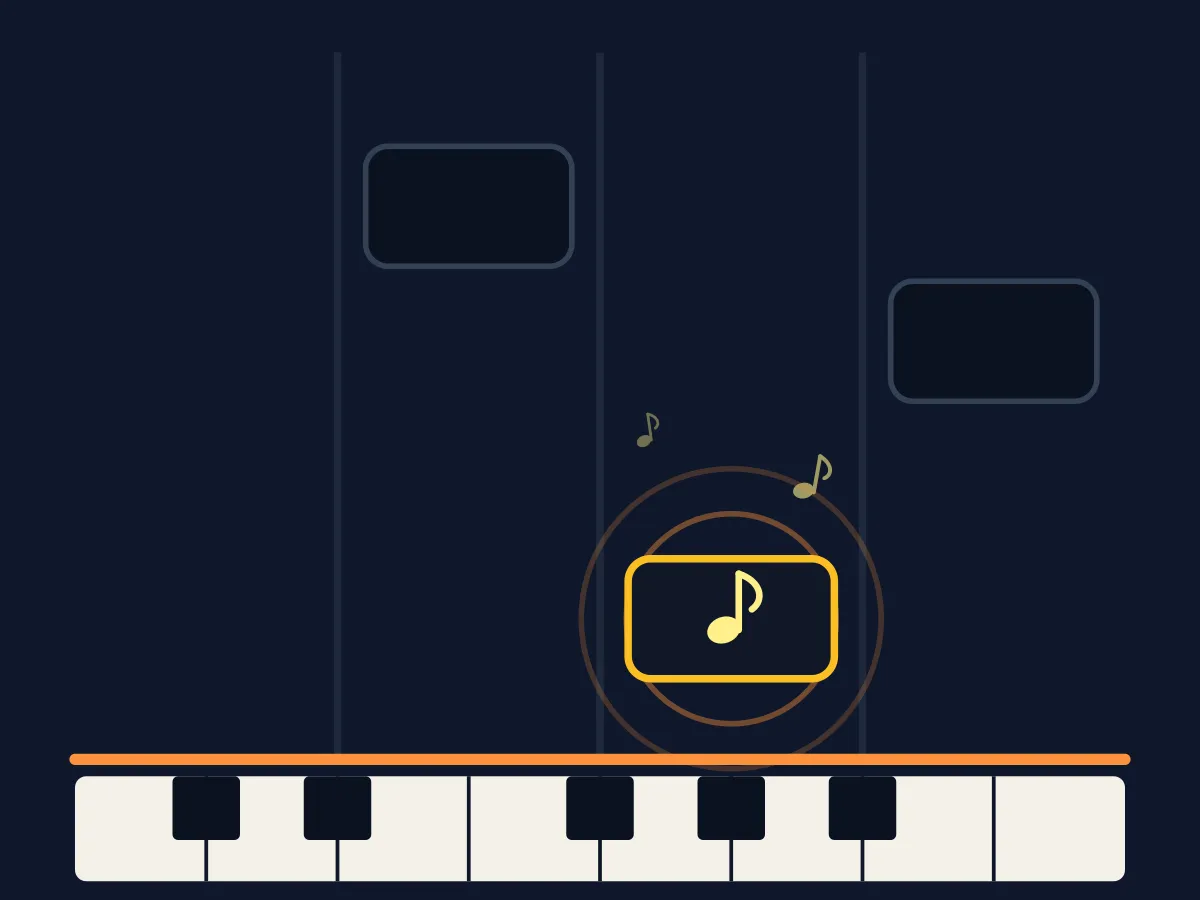






Piano Tiles is a free online lane-scroll reaction game in the classic "Don't Tap the White Tile" style: four lanes scroll black tiles down toward a hit line, and you tap the lane holding the current tile before it passes. Tap an empty white lane, or let a black tile slip past untapped, and the run ends immediately, so both timing and lane-tracking matter. Play instantly in your browser on desktop or mobile, no download or sign-up, through 15 levels that speed up the tempo and lengthen the run as you go.
How to play Piano Tiles
- Tap Start Round — four vertical lanes appear and a black tile begins scrolling down one lane at a time.
- Tap the lane holding the black tile (or press its D/F/J/K key) before it reaches the highlighted hit line near the bottom.
- Tapping any other lane, or letting a black tile cross the hit line untapped, ends the run immediately — there is no second chance mid-run.
- Clear every tile in the level's tile count to finish it and unlock the next level, which raises the tempo and adds more tiles to the run.
Tips
- Rest your fingers on D, F, J, K (or keep a finger over each of the four lanes on touch) instead of reaching across the board between taps — every bit of travel time counts against you.
- You don't have to wait for a tile to reach the hit line — tap it the moment it appears in its lane, since the next tile is already loading behind it.
- Track the newest tile as soon as it spawns at the top rather than staring at the hit line — the lane order is randomized, so early recognition is what buys you reaction time, not faster reflexes alone.
- If you keep losing on the same level, drop back one level and clear a clean run there first — the 15-level ladder is tuned to be beaten step by step, not brute-forced at full tempo.
FAQ
Is Piano Tiles free to play?
Yes. Piano Tiles is completely free to play online with no download, no account, and no in-game purchases.
Does Piano Tiles work on mobile?
Yes, every lane responds to touch as well as mouse clicks, so it plays the same on phones, tablets, and desktop.
What happens if I tap the wrong lane in Piano Tiles?
Tapping a lane that doesn't have the active black tile in it — a white tile — ends the run immediately, exactly like the original "Don't Tap the White Tile" game. Letting a black tile scroll past the hit line without tapping it ends the run the same way.
Can I play Piano Tiles with the keyboard?
Yes. The four lanes map to the D, F, J, and K keys, so you can play with a keyboard exactly like touch or mouse clicks.