





Home / Simulation / Air Traffic Control
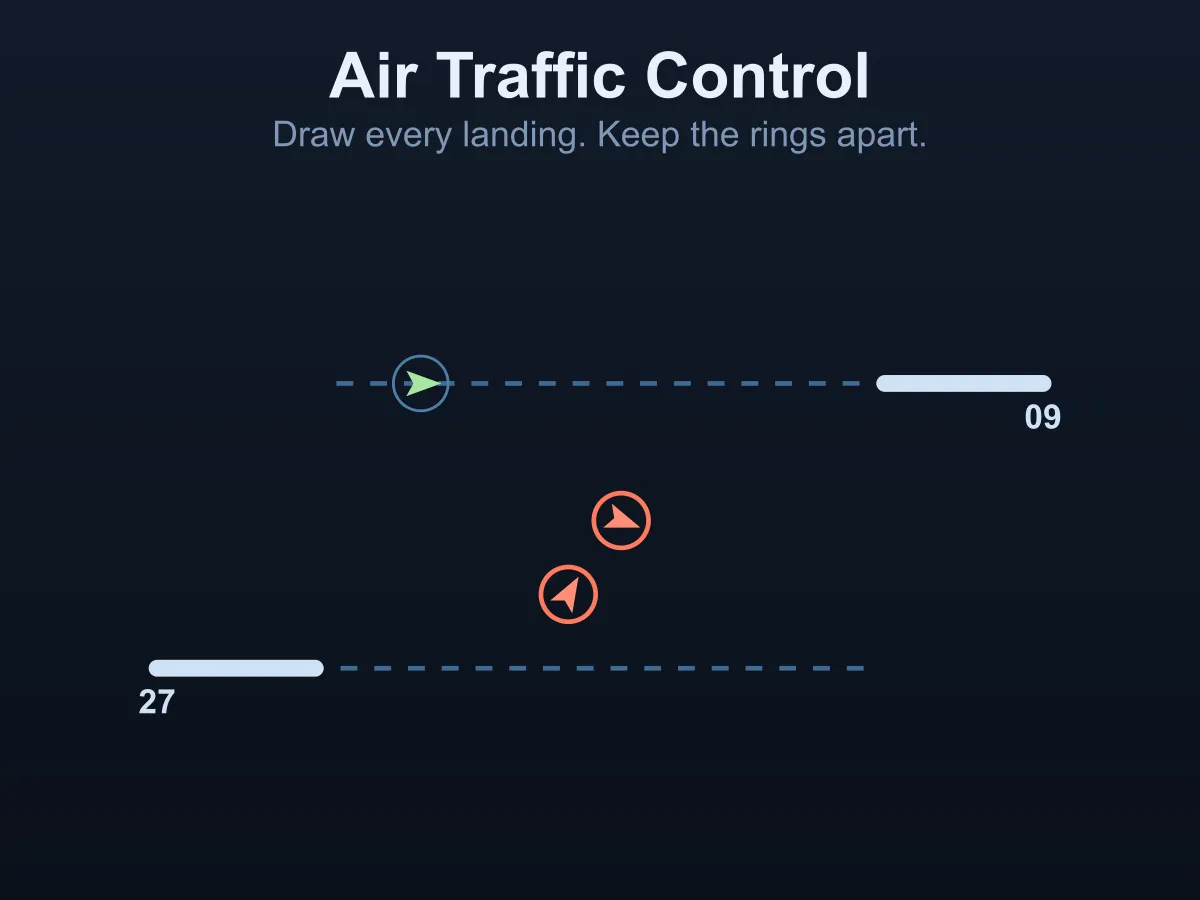
Air Traffic Control is a free online radar game about getting aeroplanes onto runways without letting any two of them meet. Aircraft enter the airspace from every side on a heading of their own and never stop, and your whole job is drawing each one a route: press on it, draw a line to where you want it to go, and let go. It flies that line at its own speed, turning at its own rate — and that is the skill, because a jet is half again as fast and slower to turn, which together make its turning circle twice as wide — so it needs to be lined up with the runway long before it gets there. Two things can go wrong, and they pull against each other: aircraft that come within the separation ring are logged as a conflict, and a shift only forgives two or three, but hold everyone out in wide safe circuits and they run low on fuel and divert, which costs you just as much. Safe and slow is its own way to fail. Six shifts, from four quiet arrivals to fifteen mostly jets, on two runways with approach corridors from opposite sides. No download, no account.
How to play Air Traffic Control
- Press on an aircraft and drag to draw the route you want it to fly, then let go. The line becomes its waypoints.
- Aircraft never stop. Everything you draw is flown while the rest of the traffic keeps moving.
- Each aircraft shows the runway it has been assigned. Landing at the other one does not count.
- A landing needs both things: the aircraft has to reach the threshold and be lined up with the runway, within about thirty degrees.
- The dashed lines behind each runway are its approach corridor. Getting an aircraft onto that line pointing the right way is the whole job.
- Jets are drawn larger, fly faster and turn more slowly, which together make their turning circle twice as wide — draw their corners early or they will fly straight past the runway.
- The ring around each aircraft is half its separation minimum. If two rings overlap, the tower logs a conflict.
- A shift forgives two or three conflicts depending on the level; exceeding that ends it, and an actual collision ends it immediately.
- The bar beside each aircraft is its fuel. Run it out and the aircraft diverts, which counts against the shift just as a conflict does.
- Press P to pause while you plan a route, then P again to run. The clock and the traffic stop with it.
- Without a pointer: every aircraft has a button at the bottom of the radar. Press one to clear that aircraft straight onto its approach.
- New Shift deals a different set of arrivals on the same level.
Tips
- Send each aircraft out to the side of the corridor first, then turn it in. Joining the line from behind is far easier than crossing it.
- Deal with the jets first. They need the most room and the most warning, and a jet you leave until later is one you have to plan the whole airspace around.
- Never route a jet in behind a light aircraft on the same corridor — it will catch it up, and that is a conflict you drew yourself.
- Pause when two aircraft are converging. Thinking is free, and the clock only costs you fuel.
- Keep the two corridors separate in your head: aircraft for one runway have no business crossing the other approach.
- A wide circuit away from the runways is a perfectly good place to park an aircraft while you land another one — just watch its fuel bar.
- Draw long routes rather than short ones. A short line runs out and leaves the aircraft flying straight on into whatever is ahead.
- If two are already too close, turn only one of them. Turning both usually puts them back together on the other side.
FAQ
Is Air Traffic Control free to play?
Yes. It runs in the browser with no download, no sign-up and nothing to buy. All six shifts are included and unlock as you clear them.
How do I make an aircraft land?
Draw it a route that ends at its runway with the aircraft pointing along the runway, within about thirty degrees. The dashed corridor behind each threshold shows the line to aim for. Arriving at the right place on the wrong heading is a fly-past, not a landing.
Why does my jet keep missing the runway?
Because it cannot turn that tightly. A jet flies at 96 units a second and turns 55 degrees a second against a light aircraft’s 62 and 70, which works out at a turning circle of 100 units against 51 — twice as wide — so a corner drawn where you would put one for a light aircraft is a corner the jet physically cannot fly. Start its turn onto the corridor much earlier.
What happens when two aircraft get too close?
Inside the separation ring the tower logs a conflict, and a shift forgives two or three of them. Inside a much smaller ring it is a collision and the shift ends there. The two rings are deliberate: a brush at the separation minimum is what two aeroplanes do while one of them is turning, and ending the game on it made the game unworkable rather than hard.
Can I just hold everything until I am ready?
Only for a while. Every aircraft is burning fuel from the moment it appears, and one that runs out diverts — which counts against the shift exactly as a missed landing does. Being too careful is its own way to lose.
Can I pause?
Yes, with P. The traffic and the fuel stop together, so pausing to plan a route is free — and on the later shifts it is the only way to think about four aircraft at once.
Do the shifts get harder in a way that can be measured?
Yes. Two controller bots fly twenty of every shift in the tests. One sequences — two aircraft per runway down the corridor, everyone else held in a circuit of their own — and clears 19 of the first shift and 9 of the last. The other points each arrival straight at its runway the moment it appears, and clears none at all: nought out of a hundred and twenty.
How many shifts are there?
Six, from four arrivals every sixteen seconds with no jets, to fifteen every eight and a half seconds where four in five are jets — and the last three shifts forgive one fewer conflict.
Does it work on a phone?
Yes. Drawing a route with a finger is the natural way to play it, and the page will not scroll under you while you draw. The radar keeps its shape on a narrow screen so a route that works on a desktop works on a phone.