


Home / Board / Chess vs Computer
Chess vs Computer lets you play chess against the computer online for free, in your browser, with no account, download or wait for an opponent. Adaptive Endless is a run of back-to-back games against one local opponent, Nova, under full standard chess rules: castling, en passant, promotion to the piece of your choice, check and checkmate, and every draw the rules allow, from stalemate and threefold repetition to the fifty-move rule and insufficient material. Choose White, Black or Alternate, which switches sides after every finished game. Nova carries an in-game rating from 400 to 1800, starting at 700. Win a rated game and it rises 75 points; lose one and it drops 50. As it climbs, Nova moves through five tiers, Beginner, Learner, Club, Expert and Master, searching from one move ahead up to four and choosing its best move more consistently. Hint shows a suggested move and Undo takes back your last turn; using either turns that game into unrated practice. The move list records every game, and Rematch starts the next one instantly.
How to play Chess vs Computer
- Choose White, Black, or Alternate before your first game. White moves first; Alternate switches your side after each completed game. The board always turns so your pieces sit at the bottom.
- Select one of your pieces to see its legal destinations highlighted, then select one. Captures, the last move played and a king in check are marked on the board. On desktop, the arrow keys move board focus and Enter or Space selects a square.
- Every move follows standard chess rules. Castle by moving your king two squares toward a rook when it is legal, capture en passant right after an enemy pawn steps two squares past yours, and pick a queen, rook, bishop or knight when a pawn reaches the last rank.
- Win by checkmating Nova. A game is drawn by stalemate, threefold repetition, the fifty-move rule or insufficient material, exactly as in over-the-board chess.
- Nova shows its current rating and tier beside its name. After a rated game the result screen shows the rating change: plus 75 for your win, minus 50 for your loss, unchanged for a draw.
- Use Hint to highlight a suggested move, or Undo to take back your last move and Nova's reply. Either one marks the current game as practice, so its result does not move Nova's rating.
- Choose Rematch after a result to start the next game at once. Starting a New Game in the middle of one asks you to confirm, and the abandoned game is not recorded.
- The side panel keeps the move list for the current game in standard notation, your last five results, and your current and best win streak.
Tips
- Develop knights and bishops early, contest the center, and castle before launching an attack. Nova scores central pieces higher, so it will fight you for those squares.
- Before every move, run a blunder check: what does Nova attack, which of your pieces is undefended, and what checks are available to it.
- Nova looks only a fixed number of moves ahead, between one and four depending on its tier, and stops counting there. Exchanges that end with your recapture just past that horizon, forks two moves deep and discovered attacks are where it goes wrong most.
- At the lower tiers Nova picks among its few best-scoring moves rather than always the top one, so it will sometimes leave material hanging. Look for free pieces after every one of its moves.
- When you are ahead in material, trade pieces. Every exchange makes your extra material count for more and leaves Nova fewer ways to complicate the position.
- Learn two basic mates, king and queen against king and king and rook against king, so a won game does not slip into a fifty-move draw or a stalemate.
- Use Alternate to practise both sides of the board. Playing Black against a first move you did not choose is the quickest way to build an opening repertoire.
- Hint searches at Nova's current strength, so treat it as a second opinion, not the truth. Undo a mistake, find a better move yourself, then compare.
FAQ
Can I play chess against the computer for free?
Yes. Chess vs Computer is completely free in your browser, with no account, download, subscription or in-game purchase. Nova runs locally on your own device, so there is no server to wait for and no matchmaking. Your rating, results and color choice are saved in your browser between visits.
How strong is the computer, and what are the difficulty levels?
Nova has an in-game rating from 400 to 1800 and five tiers. Beginner (below 650) looks one move ahead, Learner (650 to 899) two, Club (900 to 1199) and Expert (1200 to 1499) three, and Master (1500 and up) four, with more thinking time at each step. The rating is Nova's own scale, not an official chess rating.
How does the adaptive difficulty work?
Nova starts every new player at 700, in the Learner tier. Each rated win raises its rating by 75 points and each rated loss lowers it by 50, so over many games it settles where you win about two games in five. Draws and practice games leave the rating where it is. Lower tiers also choose among their few best moves, so they make more mistakes.
Can beginners beat the computer?
Yes. If you lose, Nova gets 50 points weaker for the next game, and at the bottom of its range it looks only one move ahead and picks among its five best-scoring moves, so it leaves pieces hanging regularly. Hint and Undo are always there for learning; they just make that game practice instead of rated.
Does it have hints and undo?
Yes. Hint highlights the start and end squares of a suggested move, found by searching at Nova's current strength. Undo takes back your last move together with Nova's reply, once per turn. Using either one turns the current game into a practice game, so it still counts in your recent results but does not change Nova's rating.
Can I play as Black?
Yes. Choose White, Black or Alternate. With Black, Nova opens the game and the board turns so your pieces are at the bottom. Alternate switches you between White and Black after every finished game, which is a good way to practise both sides of your openings.
Does it follow full chess rules, including castling, en passant, promotion and draws?
Yes. Legal moves come from a complete chess rules library: castling on both sides, en passant, promotion to a queen, rook, bishop or knight of your choice, and no move that leaves your king in check. Games end in checkmate or in a draw by stalemate, threefold repetition, the fifty-move rule or insufficient material.
Is there a clock or time control?
No. There is no chess clock, so you can take as long as you like over every move. Nova's search is capped per move, from 0.15 seconds at Beginner to 0.9 seconds at Master. There is no resign button either; start a New Game to abandon a game you do not want to finish, and it will not be recorded.
How do I get better at chess against a computer?
Play rated games and let the adaptive rating find a level that beats you more often than not. After a loss, replay the critical moment with Undo and look for the move you missed. Check every capture and check before you move, trade down when ahead, and drill short tactics separately, for example with Daily Chess Tactics on this site.
Does Chess vs Computer work on mobile?
Yes. It plays with touch on phones and tablets, with click on desktop, and with the keyboard: arrow keys move around the board and Enter or Space selects. Buttons are sized for fingers, and promotion choices, Hint, Undo and Rematch are all single taps.
Are there other chess games on this site?
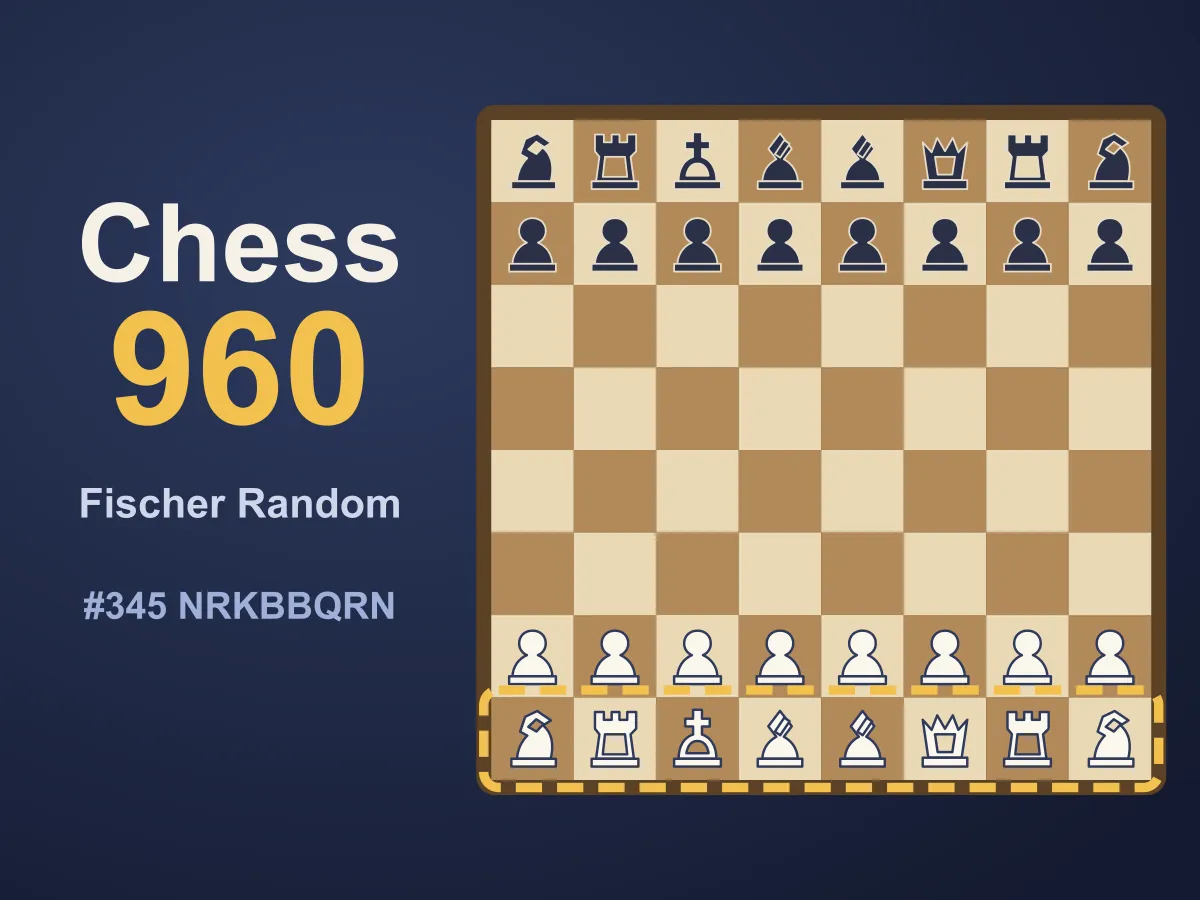
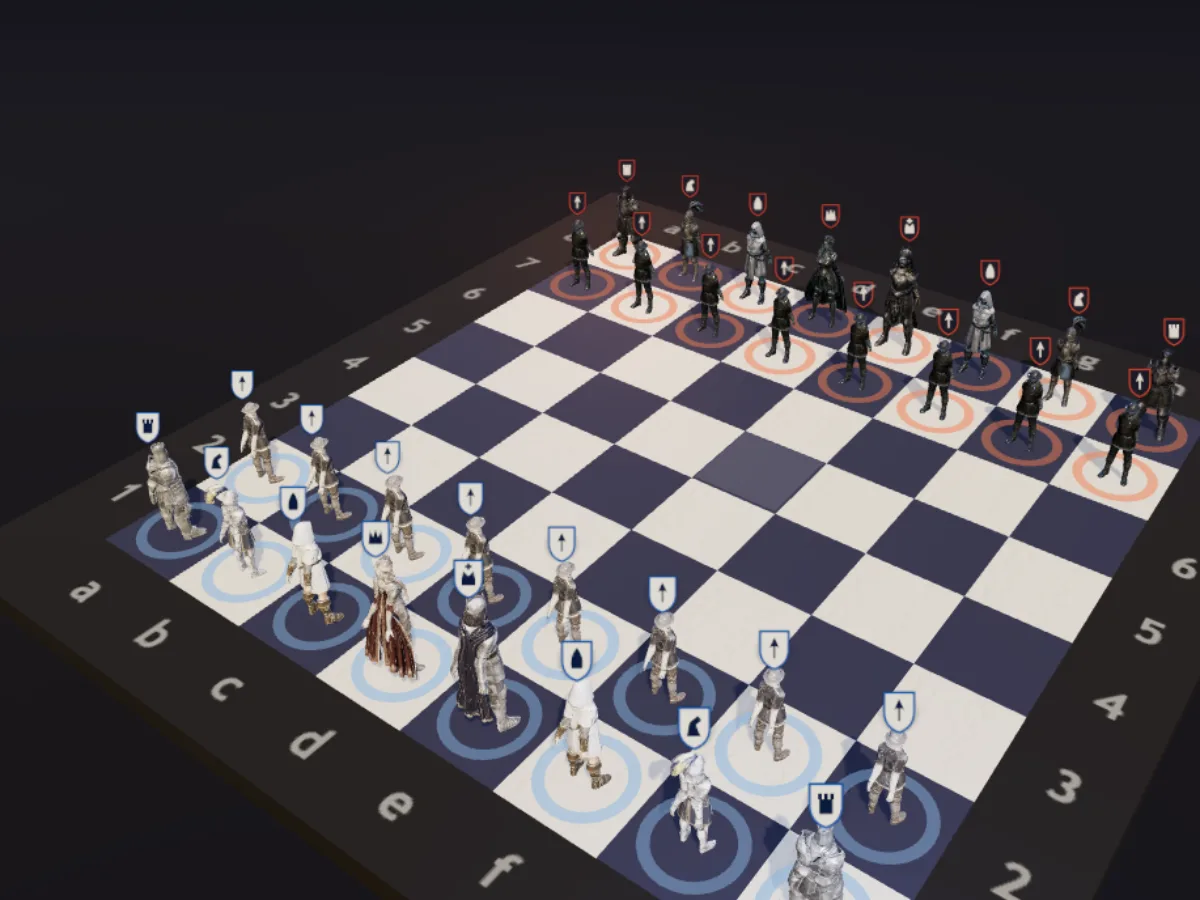
Yes. Chess960: Fischer Random Chess shuffles the back rank so openings cannot be memorised, Medieval Chess 3D plays standard chess on a 3D board, and Daily Chess Tactics serves short puzzles. For other traditions, Xiangqi is Chinese chess and Shogi is Japanese chess, both against a computer opponent.