
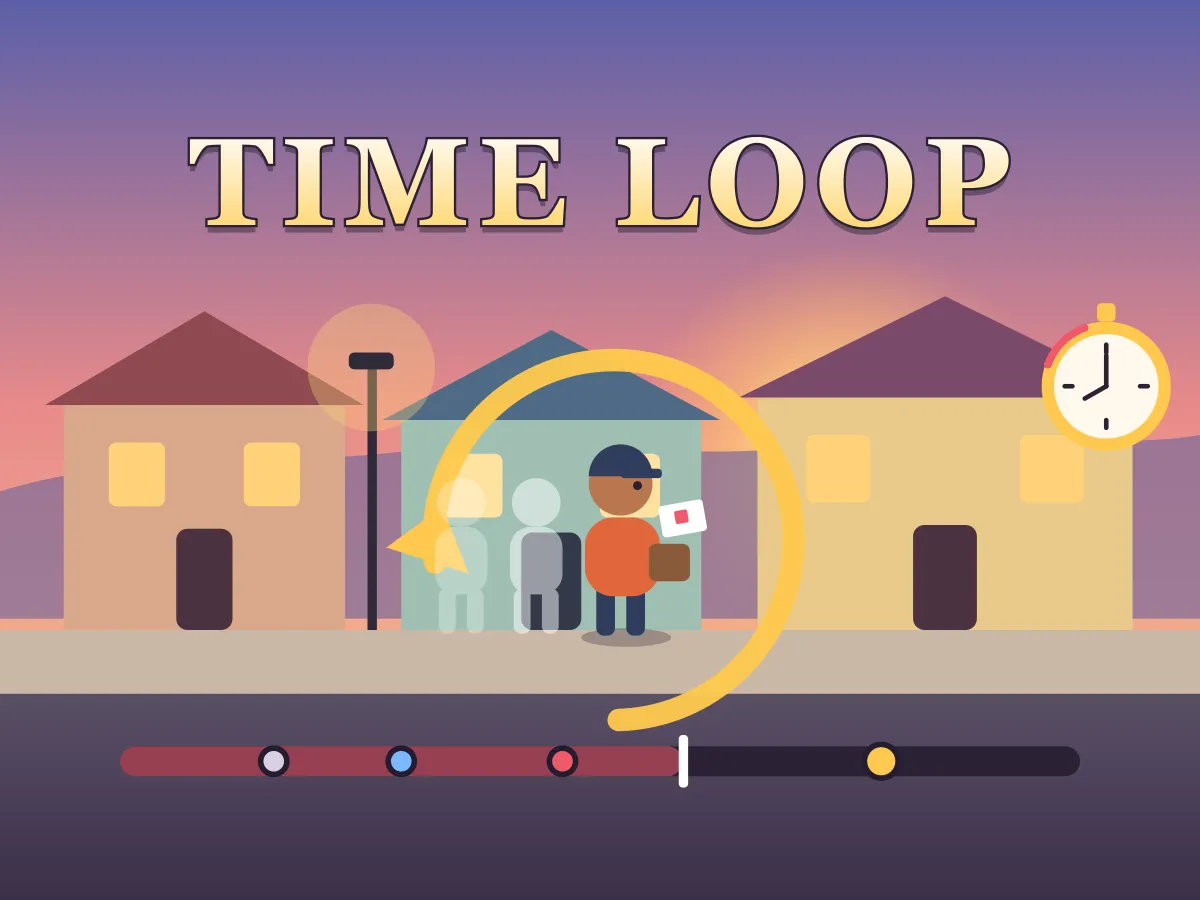





Time Loop is a free time loop game you play online: a puzzle about one minute in a small town that keeps starting over. Rosa the courier is about to post a birthday card into the wrong letterbox, a ball is about to roll under a bus, a busker’s amp is about to die just as a talent scout walks past. Every character does exactly the same thing at exactly the same second each time the minute plays, and you get to change one thing per loop — close a gate, ring a bell, ask the right person the right question — at the moment you choose. Then the clock reaches 1:00 and time rewinds. The world forgets everything. You don’t: every event you witnessed is written into your notebook and marked on the timeline, and anything you found out (a padlock code, a phone number, where a dog is hiding) stays yours for the next loop. The ten scenes on a street, a café terrace and a railway station start with one-loop puzzles and grow into chains of up to four loops, where a tip overheard at 0:52 unlocks a trick that only works around 0:45, and that trick reveals the code you need at 0:25. Nothing is random, so careful watching always pays. It plays in your browser on a phone, tablet or computer, with no download and no sign-up.
How to play Time Loop
- Read the goal at the top of the screen, then press Start the minute. The scene plays for 60 seconds while the clock in the corner counts up and the light slowly turns to dusk.
- Watch. Everything that happens is written in your notebook with the second it happened, and a mark appears on the timeline under the scene. Tap a mark to read what happened at that moment.
- Things you can change glow with a ring: a gate, a doorbell, a person you could talk to. Tap a ring and the clock pauses while you choose. A gold ring means you can act now; a dotted ring means not yet.
- Pick a change and it happens at that second. You get exactly one change per loop, so choose the moment as carefully as the change itself — most chains need a few seconds of lead time to play out.
- Keep watching to see what your change did. New notes appear in the notebook, and the caption under the scene tells you each event as it happens.
- At 1:00 — or sooner, if you press Rewind — the minute starts again. Everyone forgets. Your notebook and every fact you found out (shown as gold cards under “What you know”) carry over.
- Some changes are locked until you know something: a code, a trick, a phone number. Others are busy because someone is in the way, and the message tells you when they will be free.
- Solve the scene before the watch runs down. Each scene allows between 7 and 13 loops; solving it in the fewest loops possible earns three stars and opens the next scene either way.
- Use ×2 or ×4 to speed up the parts you already know, tap ahead on the timeline to skip forward, and press Hint if you are stuck — it names the next step and the window of seconds it works in.
Tips
- Watch the whole first minute before changing anything. The most useful clue in a scene is often said near the end, after the moment it would have helped.
- Work backwards from what went wrong. Find the red mark on the timeline, read it, and ask what had to be different a few seconds earlier — a change rarely works at the very second of the problem.
- A loop that teaches you a fact is never wasted. Facts survive the rewind, so spending a loop asking a question is often the shortest way to the goal.
- Pay attention to the busy messages. When a change is greyed out because someone is in the way, the message names the seconds when they are free — that window is usually the only time the trick works.
- People who only have a moment late in the minute are often the key to a chain: the answer they give you is what you need at the start of the next loop.
- Skip what you already know. Tap ahead on the timeline or switch to ×4 to reach the part of the minute you want to watch again, then slow down around the moment that matters.
- If a change seemed to do nothing, try it a few seconds earlier before giving up on it. Reactions take time: a bell rung too late sends the waiter after the guest has already gone.
- For three stars, plan the loops before you play them. In a four-loop scene every loop must teach you something new or solve it — a loop spent repeating what you already know costs a star.
FAQ
Is Time Loop free to play online?
Yes. Time Loop is completely free and plays in your web browser on a phone, tablet or computer. There is nothing to download, no account to make and nothing to buy. All ten scenes are included, and your progress is kept on your own device.
How does a time loop puzzle work?
The same minute repeats, and everyone in it does exactly the same thing at exactly the same second every time. Each loop you may change one thing at a moment you choose. When the minute ends, time rewinds and the world forgets your change — but you remember what you saw, so each loop you can try something better until the events line up.
What carries over when time rewinds?
Only knowledge. Your notebook keeps every event you witnessed, with the second it happened, and the gold cards keep every fact you found out — a code, a phone number, where something is hidden. Doors you opened, things you moved and people you spoke to all go back to how they were at 0:00.
How many changes can I make in one loop?
One. Once you have made your change, the rings dim until the next loop, so the real decision is which single thing to change and on which second. You can end a loop early with the Rewind button if you already know your change was the wrong one.
Why is a change greyed out?
There are two reasons. A locked change needs something you don’t know yet — keep watching and reading the notebook until you find it out. A busy change can’t be done right now because someone or something is in the way, and its message tells you when it will be possible, often only for a few seconds of the minute.
How many loops do I get, and what happens if the watch runs down?
Each scene allows between 7 and 13 loops, shown as dots beside the loop counter. If the last loop ends without the goal, the watch runs down and the scene starts over from a fresh notebook. Nothing else is lost: scenes you have already solved, and your stars, stay saved.
How are stars awarded?
By the number of loops you needed. Three stars means you matched the fewest loops possible, which is 1 loop in the first two scenes and up to 4 loops in the last two. Two stars has a looser limit for each scene, measured from how a careful first-timer plays it. Any solve within the watch earns one star and opens the next scene.
I’m stuck. Is there a hint?
Yes. Press Hint (or H on a keyboard) and it tells you the next step on a shortest route from what you know right now: either to watch the whole minute, or which change to make and the window of seconds it works in. Hints are free and don’t affect your stars — only loops do.
Can I skip ahead or go back in time within a loop?
You can skip ahead: tap a later point on the timeline, press the right arrow key to jump five seconds, or play at ×2 or ×4 speed. You cannot go back inside a loop — the only way to see an earlier second again is to rewind and start the minute over, which uses up a loop.
Can I play Time Loop on my phone?
Yes. Everything works with taps: tap a glowing ring to change something, tap a mark on the timeline to read it, and open the notebook with the Notes button. The game fits an upright phone, and on a wider screen the notebook sits beside the scene so you can read it while you watch.
Is my progress saved?
Yes, in your browser on this device. The game remembers which scenes you have opened, your best stars and fewest loops for each one, and even the scene you are in the middle of — your notebook, your facts and your loop count — so closing the page doesn’t cost you what you learned.
Is it scary, violent or multiplayer?
No to all three. Time Loop is a single-player puzzle with gentle, everyday mishaps — a missed train, a flat battery, a spoiled surprise party — and every scene ends happily once you get it right. It is an original game in the time loop puzzle genre and is not connected to any other time loop game.