

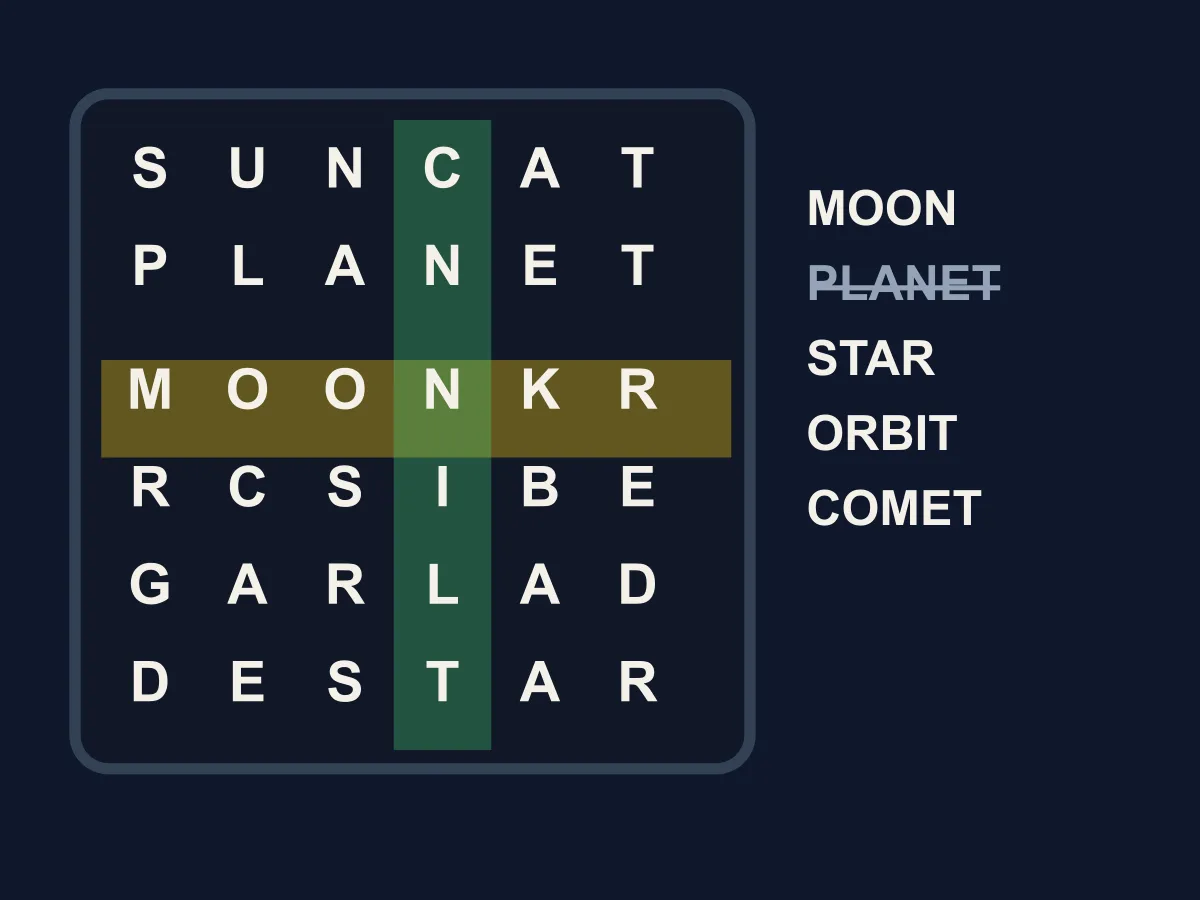
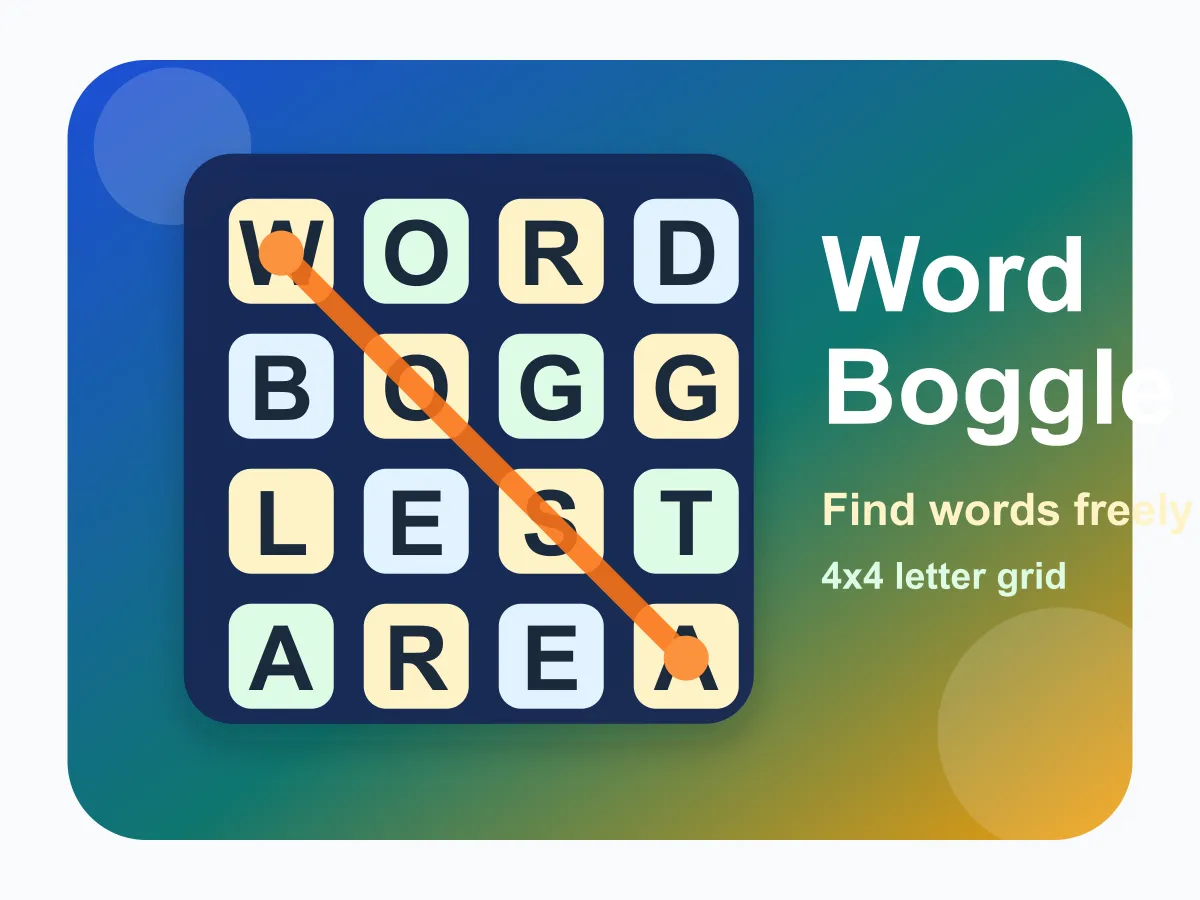
Word Swipe is a free online word grid game you can play instantly in the browser, with no download and no account. Each level gives you a square of letters and a themed list of words hidden inside it, and you find them by dragging a finger or the mouse across letters that touch — sideways, up and down, or diagonally. The difference from an ordinary word search is that the words wander. A word can turn at every single letter, so you cannot sight down a row or a diagonal and rule it out; you have to follow it. That one change makes a six-letter word genuinely hard to spot in a seven-by-seven grid, which is why the boards here are small. When you find a word, the letters it was sitting on are replaced with fresh ones in place — nothing falls, nothing slides, and every word still on the list stays exactly where it was, so the board never gets harder behind your back. Shuffle rewrites only the letters that are not carrying a word, and a hint flashes the first letter of the shortest word you are still missing. Twelve themed levels run from a four-word kitchen to eight words hidden in space, and nothing anywhere is timed.
How to play Word Swipe
- Every level has a themed word list under the grid. The theme is a real clue — knowing all the words are tools or sea things narrows what you are looking for.
- Press on a letter and drag to a letter that touches it. Any of the eight neighbours counts, diagonals included.
- Keep dragging to build the word. What you have spelled so far is shown at the top right, so you can read it without looking away from your finger.
- Let go when the word is complete. If it is on the list it is marked off; if it is not, nothing is lost and you can start again.
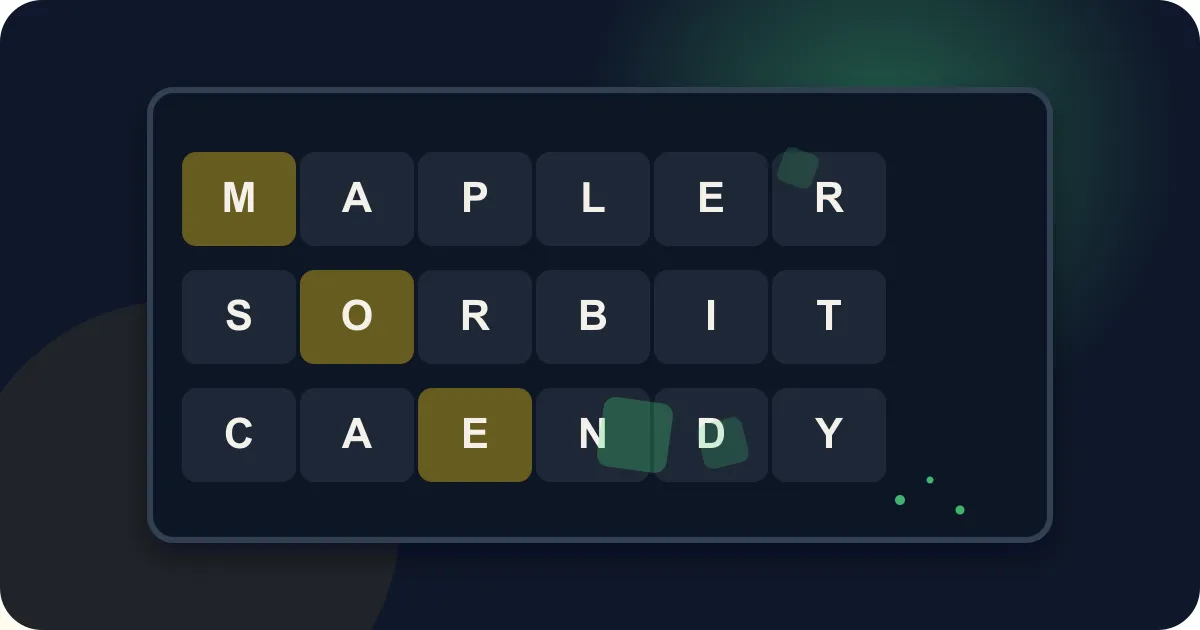
- Words wander. Unlike a word search, a word can change direction at every letter, so a word going right may turn diagonally down and then left.
- Words count in either direction. If you spot one backwards, trace it backwards.
- Drag back over the letter you just came from to undo one step, rather than releasing and starting the whole word again.
- When a word is found, its letters are replaced in place with new ones. Nothing collapses or falls, so every remaining word stays exactly where it was.
- Shuffle rewrites only the letters that are not part of a word you still need — it can never make a board unsolvable, but it costs you a star.
- Hint flashes the first letter of the shortest word you have not found. Clearing a board with no hints and no shuffles is three stars.
Tips
- Hunt for first letters, not whole words. Scan the grid for the handful of cells carrying the first letter of something on the list, then try to walk out from each.
- Unusual letters are worth their weight. A J, a K or a W in the grid almost always belongs to a word, because the filler is weighted toward common letters.
- Check the diagonals deliberately. Most players sweep across and down by instinct and simply do not see a word that steps diagonally twice in a row.
- Short words are the easiest way in, and they are also what a hint points at — so if you are going to take one, take it before you have already found the short ones.
- A word that seems to dead-end may just turn. When the next letter is not where you expect it, look at all eight neighbours before giving up on that start.
- The refill is a genuine second chance. Fresh letters land where a found word was sitting, and they often complete a word you had half-traced somewhere else.
- If a board has gone stale, Shuffle before New Board. Shuffle keeps the words you have already found and only changes the noise around what is left.
FAQ
Is Word Swipe free to play?
Yes. It runs in your browser with no download, no sign-up and nothing to buy. All twelve levels are here, unlocking in order as you clear them.
How is this different from a word search?
In a word search every word is a straight line, so you can scan a row or a diagonal and rule it out in one look. Here a word can turn at every letter, wandering through the grid in any of eight directions. That is a completely different search — you have to follow a word rather than spot it — and it is why these grids are six to eight squares rather than fifteen.
Can words go diagonally or backwards?
Both. Any two letters that touch are connected, diagonals included, and a word counts whether you trace it forwards or backwards.
What happens to the grid when I find a word?
Its letters are replaced with new ones right where they were. Nothing falls or slides, which matters more than it sounds: a collapsing grid would drag the other words out of position and break paths that were findable a moment earlier. Here every word still on the list stays exactly where it was.
Is every word really on the board?
Yes, from the first frame and for as long as it is on the list. The words are written into the grid along routes that never share a square, so finding one can never remove a letter another one needs — and when your trace happens to cross another word, those letters are deliberately left alone during the refill.
Is there a time limit?
No. Nothing is timed, nothing counts down and there is no way to fail a board. The only score is whether you needed hints or shuffles.
Does Shuffle make the puzzle easier or harder?
Neither, strictly — it only changes the filler. The words you still need stay exactly where they are, so shuffling cannot uncover one or hide one. It is for when your eyes have stopped seeing a board, and it costs a star.
Does Word Swipe work on a phone?
Yes, and dragging with a finger is the natural way to play it. The grid scales to the width of the screen and the word list wraps underneath it.