









Home / Memory / Spatial Memory
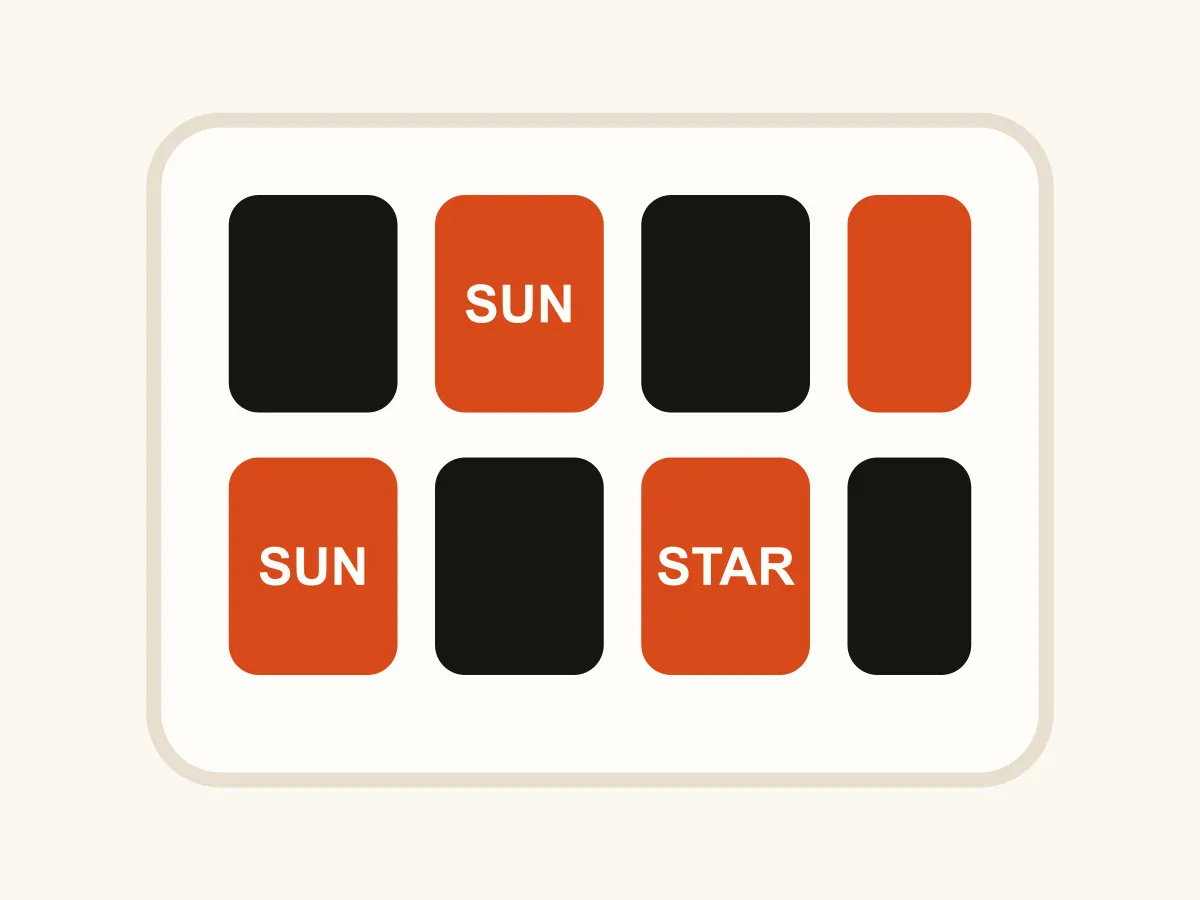
Spatial Memory is a free online object-location memory game that runs in the browser with no download and no account. A shelf of shapes is laid out in front of you, you get a few seconds to take it in, and then the shelf empties and the objects drop into a tray at the bottom of the screen. Tap an object, tap the square you think it belongs in, and repeat until the shelf is full again. There is no order to remember and no sequence to replay — what you are holding is a set of pairings, which is a different kind of memory from the one a sequence game trains. The step that catches people out is level seven, where the pool of shapes shrinks below the number of objects. From there the same shape turns up twice in different colors, so knowing "the star went top-left" is suddenly not enough.
How to play Spatial Memory
- Each round opens with the shelf already laid out. Study it — that is your only look, and it lasts between three seconds and two depending on the level.
- The shelf empties and the objects appear in the tray underneath, in a different order from the one they were laid out in.
- Tap an object to pick it up, then tap the square you think it came from. Empty squares are outlined while you are holding something.
- Changed your mind? Tap an object already on the shelf to pick it back up, or use Clear Shelf to start the round over from the tray.
- When the last object goes down the shelf is checked automatically. The real layout comes back with each square marked — green where you were right, red where something else belonged.
- Three correct shelves clear a level, or four from level nine onward. A shelf you get wrong costs you only the round.
- From level seven there are fewer shapes than objects, so the same shape appears in more than one color. Both the shape and the color have to match the square.
- New Shelf lays out a different arrangement; Restart Level puts the counter back to zero.
Tips
- Read the shelf in a fixed order — always left to right, top to bottom. A consistent scan turns four scattered facts into one short list.
- Attach objects to the board, not to each other. "Star in the corner, heart under it" survives much better than "star, heart, circle".
- Place the ones you are sure of first. Every object you commit removes a square from the pool, and the last two often place themselves.
- On the twin levels, say the color first: "red star top-left, blue star bottom-right". Leading with the shape is exactly what makes the two collapse into one memory.
- Empty squares are information too. Noticing that the whole middle row was bare is quicker to store than four separate positions.
- If you are consistently one square off, you are probably remembering the shape of the arrangement rather than its position. Anchor at least one object to a corner or an edge.
- Do not rush the reveal. Comparing the real layout with what you built is the fastest way to learn whether you lose colors, positions or both.
FAQ
Is Spatial Memory free to play?
Yes. It runs in your browser with no download, no sign-up and nothing to buy. All twelve levels are included and unlock in order as you clear them.
How is this different from a memory matching game?
A matching game hides everything and asks you to find pairs by turning cards over, so the memory builds up over many turns. Here the whole shelf is shown once and then taken away, and you rebuild it in one go. The thing being remembered is which object belongs to which square, not where a hidden twin is.
Does the order I place things in matter?
No. Only the final arrangement is checked, so you can place the objects you are confident about first and work out the rest afterwards.
Why do two objects sometimes have the same shape?
From level seven the shape pool is deliberately smaller than the number of objects, so a shape has to repeat in a different color. It changes what you have to remember: up to that point a shape is a name, and after it only the shape-and-color pair is.
Can I move something after I have put it down?
Yes. Tapping an object already on the shelf picks it back up, and Clear Shelf returns everything to the tray. The shelf is only checked once every object is placed.
Is there a time limit?
Only on the study phase. Once the shelf empties you can take as long as you like to rebuild it, and nothing counts down while you think.
How many objects does it get to?
Three on level one and ten on level twelve, on a five-by-five shelf, drawn from a pool of only three shapes — so at that point almost every shape on the board has a twin.
Does Spatial Memory work on a phone?
Yes. The shelf scales to whichever screen dimension is tighter and the tray wraps onto more than one row, so a ten-object level stays comfortable in portrait.