


Home / Puzzle / Building Blocks
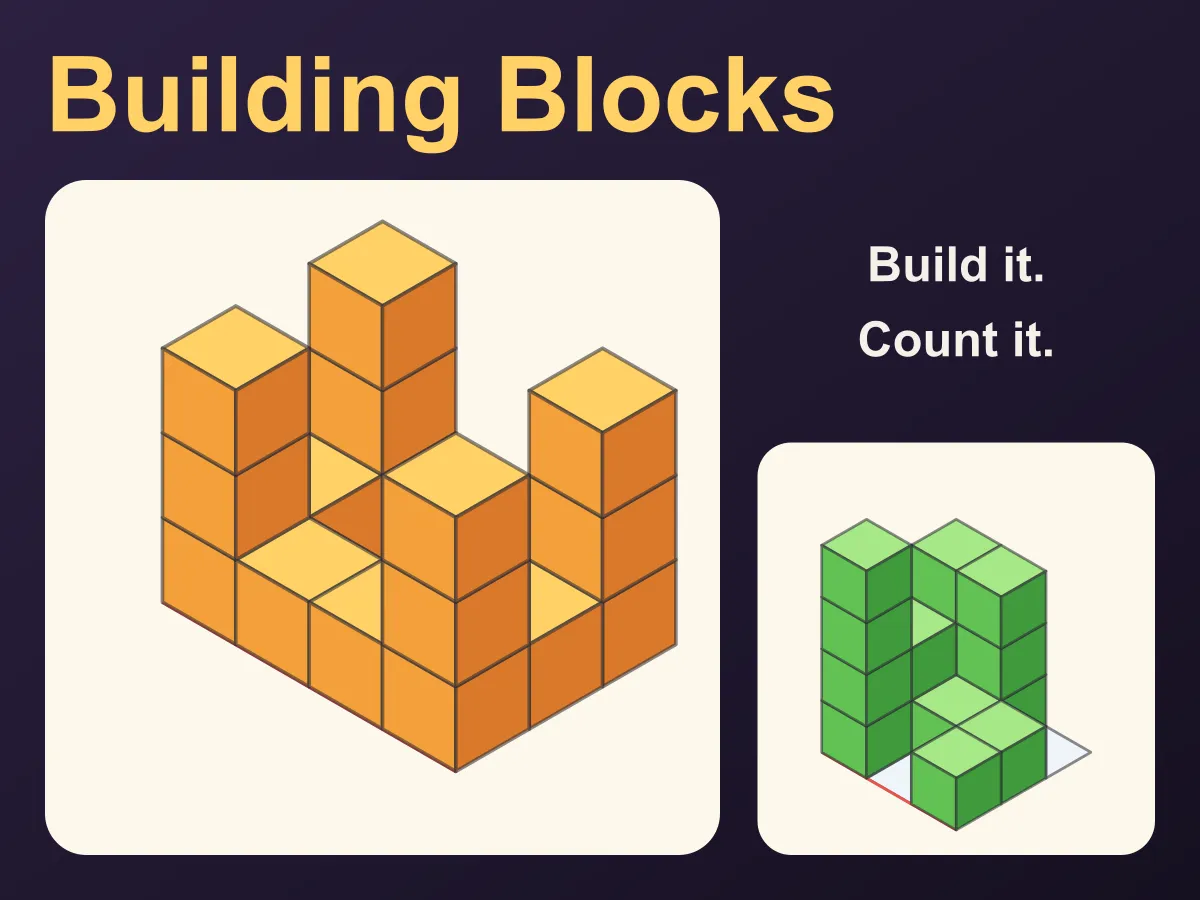
Building Blocks is a free online block-building puzzle for kids. A cube model is shown as a 3D picture; tap the squares of a building mat to stack cubes until your build looks the same from every side, and press Turn to walk round both. Then the picture goes away and only plans are left — the view from the top, the front and the side — and three stars go to the build that matches them with the fewest cubes. The last four levels ask how many cubes are in a stack, counting the ones holding the others up. Twelve levels, hints and a live 3D view of your build. Plays in the browser on a phone, tablet or computer, no download.
How to play Building Blocks
- Each level shows a model made of cubes, or its plans, and a white building mat with a red line along its front edge. The same red line is drawn in every picture, so you always know which side is the front.
- Tap a square on the mat to put a cube on it; tap again to stack another on top. The number on each square says how many cubes are on it, and the "Your build" picture shows your model in 3D as it grows.
- To take a cube off, press Take Away and tap the square, or right-click it. On a keyboard, the arrow keys move round the mat, Space or + adds a cube and − or Delete takes one away.
- Levels 1 to 4 — copy the model: build until your model looks exactly like the picture. Press Turn (or T) to turn both pictures a quarter turn and look at the other sides; some cubes only show from behind.
- Levels 5 to 8 — build from plans: the Top plan shows which squares have cubes, the Front plan shows the tallest tower in each column as you look from the front, and the Side plan shows the tallest tower in each row as you look from the right. A tick appears beside each plan your build matches.
- Levels 9 to 12 — count the cubes: type how many cubes are in the picture and press Check. Every cube sits on the floor or on another cube, so a cube high up always has cubes under it, even where you cannot see them. Each level has three rounds.
- Stars: on building levels every cube put on or taken off is a tap. Finish in par taps for three stars — on plans levels that means using the fewest cubes that match. On counting levels three stars mean no wrong answers. Hint points at a square to change or marks the height of a tower.
Tips
- Start a copy from the back corner, which is the top of the picture: the tall towers there are easy to see, and the front squares are easy to check last.
- A tower is as tall as the number of side faces stacked under its top. Count the faces down the side, not the tops.
- On the plans levels, one tower can be the tallest in its column and its row at the same time. Find the squares where the Front and Side plans want the same height — one tower there does two jobs and saves cubes.
- Every square the Top plan colours needs at least one cube, and a square never needs to be taller than the smaller of its column and row heights.
- When counting, go tower by tower: look at the top of each tower and count down to the floor, then add the towers up. Cubes under a top are always there.
- If two towers in the picture look the same height, look at where they touch the floor — the one nearer the front stands lower in the picture.
- Stuck? A Hint glows on a square that needs a cube more or less, or marks a tall tower with its height.
FAQ
Is Building Blocks free to play?
Yes. It runs in the browser with no download, no sign-up and nothing to buy. All twelve levels are included and unlock one after another as you finish them.
What age is Building Blocks for?
The first levels suit young children who can tap and count — level 1 needs only four cubes. The plans levels, where you build from top, front and side views with as few cubes as possible, are a good spatial-reasoning challenge for older children and adults too.
Does my build have to be exactly the same as the model?
It has to look the same as the model from all four sides you can turn to. For levels 1 to 4 a computer tried every possible build of the same size and height, and only the model itself looks like that, so in practice you build the model. On the plans levels any build that matches all three plans finishes the level; the fewest cubes earn three stars.
How do I read the front and side plans?
The Front plan is what you would see standing at the red front edge: one column for each column of the mat, as tall as the tallest tower in it. The Side plan is what you would see from the right-hand edge, so the front row is on its left. The Top plan shows which squares have any cubes at all.
How can I count cubes I cannot see?
No cube floats: each one stands on the floor or on another cube. So a tower whose top is three cubes up has three cubes in it, even if the bottom ones are hidden. Every counting round was checked by a computer program that tried every possible stack on that mat up to the level's height limit, and every stack with the same picture has the same number of cubes, so the answer can always be worked out.
How are the stars worked out?
On building levels each cube put on or taken off is one tap. Three stars for par: the number of cubes in the model when copying, or the fewest cubes that match the plans, found by a computer search. Two stars go to anything within a line measured from test players — a careful copier who misreads one square in four, a builder who fills every square as high as the plans allow, a counter who first counts only the cubes they can see. Any finish earns one star.
Does Building Blocks work on a phone or tablet?
Yes. Tap the squares of the mat to build; the pictures sit above the mat on a phone held upright and beside it on a wider screen. It also plays fully from a keyboard.