
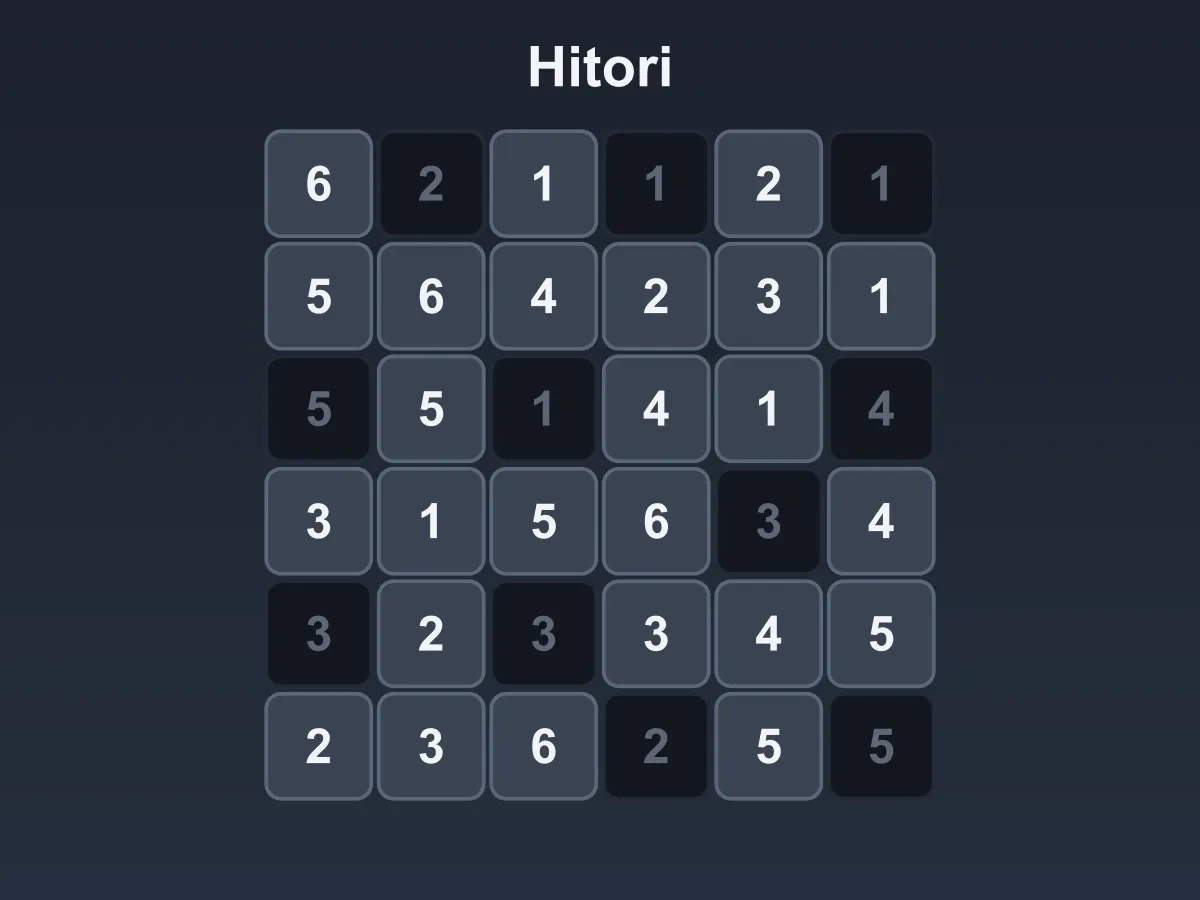
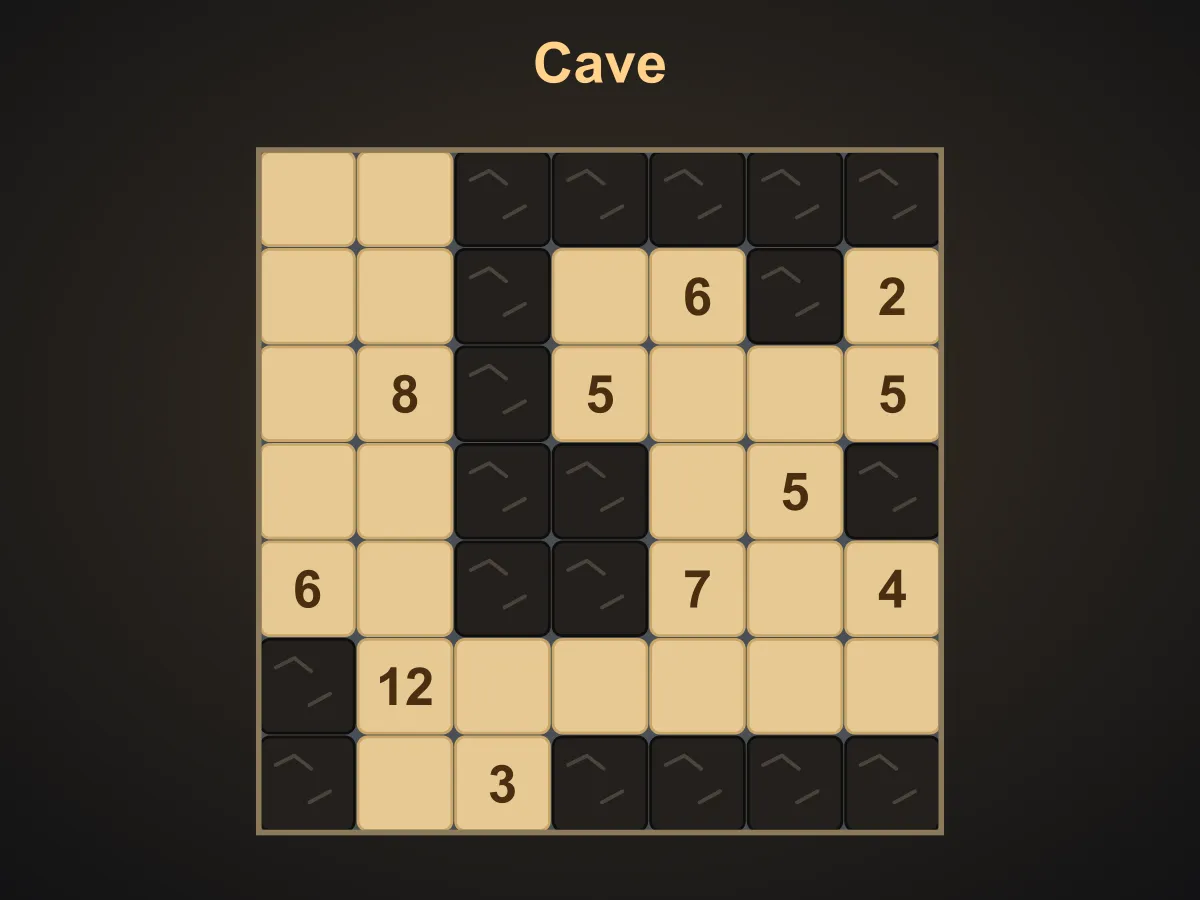


Hitori is a free online logic puzzle played on a grid of numbers. Your job is to shade cells until no number appears twice unshaded in any row or column. That part is easy on its own; the puzzle comes from two rules that push back. Two shaded cells may never sit side by side, and every cell you leave unshaded has to stay connected to every other one, so the grid can never be split into islands. Together they stop you shading whichever copy of a repeated number you like: usually only one of the two can go, and working out which is the whole game. Every board here is generated with a real solver and verified to have exactly one answer before you see it, so a shading you can justify is never rejected. Eight levels run from a 5×5 with six shaded cells to an 8×8 with twenty. Tap to shade, tap again to mark a cell you have decided to keep. No download, no account.
How to play Hitori
- Tap a cell to shade it. Tap it again to mark it as one you have decided to keep, and once more to leave it undecided.
- The keep mark is your own note. It changes nothing about the answer — only which cells are shaded matters.
- Rule one: no number may appear twice unshaded in the same row, or twice unshaded in the same column.
- Rule two: no two shaded cells may sit side by side. Touching at a corner is fine; sharing an edge is not.
- Rule three: every unshaded cell must be reachable from every other one by steps up, down, left or right through unshaded cells.
- Rules two and three are what make the choice hard. When a number appears twice, you often cannot shade the copy you would prefer, because it would touch another shaded cell or strand part of the grid.
- Two shaded cells that touch turn red immediately, and so do two cells with the same number that you have both marked to keep.
- If your shading has already cut the grid into separate pieces, the whole board gets a red outline — nothing you do later can rejoin them.
- Numbers that are simply repeated and still undecided are never marked red. That is just an unsolved grid, not a mistake.
- Arrow keys move the highlighted cell; Enter or Space cycles it, the same as tapping.
- Undo steps back one change. Clear wipes your marks without changing the grid. New Puzzle generates a different grid on the same level.
- The ? button fixes one cell for you — it un-shades a wrong one first, and shades a missing one otherwise. Three per grid.
Tips
- Start with three of the same number in one line. At most one can stay, so at least two must be shaded — and since shaded cells cannot touch, the middle one of three in a row is almost always the survivor.
- A pair of identical numbers next to each other is powerful: they cannot both be shaded, so one of them is definitely staying, which immediately settles every other copy of that number in the line.
- Whenever you shade a cell, mark all four of its neighbours as keepers. They can never be shaded, and that often forces the next shade somewhere else in the line.
- Watch the corners and edges. A corner cell has only two neighbours, so shading both of them strands it — which means at least one of those two has to stay.
- If shading a cell would seal off a region, it cannot be shaded, however tidy it would make the row. Connectivity rules out more candidates than anything else on the bigger grids.
- Work the columns as hard as the rows. A cell you cannot decide from its row is often forced by the column it sits in.
- Use the keep mark freely. Knowing which cells are definitely staying is what turns a row full of options into a row with one.
- If a grid feels arbitrary, it is not: every one is verified to have a single answer before you see it, so there is always a next cell you can justify.
FAQ
Is Hitori free to play?
Yes. It runs in the browser with no download, no sign-up and nothing to buy. All eight levels are included and unlock as you clear them.
What are the rules of Hitori?
Three of them. No number may appear twice unshaded in a row or column; no two shaded cells may share an edge; and all the unshaded cells must form one connected group. A grid is solved when all three hold at once — the first rule is what you notice, and the other two are what make choosing between two identical numbers hard.
Do I have to mark every cell?
No. Only the shaded cells are part of the answer. The keep mark exists because knowing which cells are definitely staying is useful to you while solving, but a grid with the right cells shaded and everything else left blank is a complete solve.
Can I shade a number that is not a duplicate?
The rules allow it — nothing says a shaded cell has to be a repeat. In practice you almost never want to, because shading a cell restricts its neighbours and the connectivity of everything around it for no gain. It does mean a grid cannot be checked just by looking for duplicates, which is why this one carries a real solver.
Does every puzzle have exactly one answer?
Yes, and it is checked rather than assumed. Each grid is built around a shading, filled with numbers, and then run through an exhaustive solver; it only ships if the solver finds a single answer. That is what makes a correct shading impossible to reject and a guess never necessary.
Why has a cell turned red?
Either two shaded cells are touching, or two cells with the same number in a line are both marked to keep. Both are wrong the moment they happen. A repeated number you have not decided about yet is never marked, because an unsolved grid is not a mistake.
What does the red outline round the whole grid mean?
Your shaded cells have already cut the unshaded ones into separate islands. That breaks the third rule and nothing you do later can undo it, so it is worth fixing straight away rather than carrying on.
How many levels are there?
Eight: two on a 5×5, two on a 6×6, two on a 7×7 and two on an 8×8. Within each size the second grid shades more cells, which is what makes it harder — more shaded cells means more of the board is decided by the touching and connectivity rules.
Does it work on a phone?
Yes. Tapping a cell is the whole input, and the grid scales to the frame so the full board stays on screen in portrait.