


Home / Word / Classic Crossword
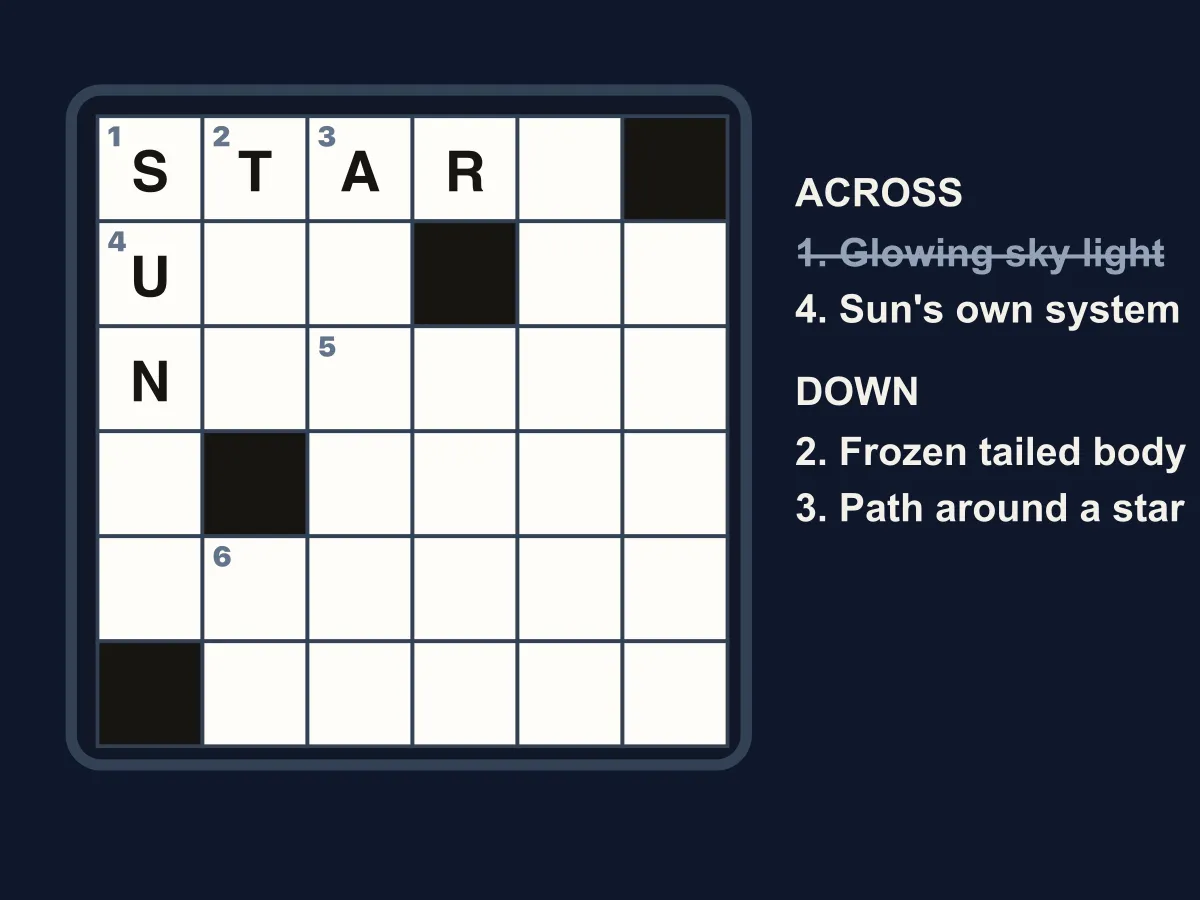
Classic Crossword is a free online crossword puzzle you can play instantly in your browser, no download, no account, and no daily wait needed. Each level is a themed grid of interlocking words — tap or click a square to select it, then type letters directly from your keyboard to fill in the answer; the whole word you are working on highlights so you always know where you stand. Get every letter in a word right and it locks in green automatically, crossing that clue off the list. Tap a clue to jump straight to it, or use the arrow keys and the compact clue bar to move around the grid without ever leaving the keyboard. Play through 15 themed levels — Animals, Fruits, and Weather to start, building through Space, Science, and Technology, up to a final Vocabulary Challenge level packed with words up to 13 letters long. There is no timer forcing you to wait between rounds: solve a grid and the next level unlocks immediately, and Clear Grid lets you wipe your answers and try the same puzzle again any time.
How to play Classic Crossword
- Tap or click any open square to select it — the full word it belongs to highlights across the grid and in the clue list.
- Type letters on your keyboard (or tap the square and use your device keyboard on mobile) to fill in the highlighted word; typing automatically moves you to the next square.
- Tap the same square again, press the space bar, or use the up/down and left/right arrow keys to switch between an Across word and a Down word that cross at that square.
- Tap any clue in the Across or Down list, or use the arrows on the clue bar, to jump straight to that word from anywhere in the grid.
- Fill a word with every letter correct and it locks in green automatically; fill every word in the grid to clear the level and unlock the next one.
Tips
- Start with the words you are most confident about — every letter you lock in becomes a free clue for the words that cross it.
- A word that is full but not turning green means one letter is wrong; the Check button flashes any incorrect square in the whole grid so you can find it fast.
- Short, common words are usually the easiest way into a tricky corner of the grid — solve those first to reveal crossing letters.
- Stuck? Use Hint to reveal one correct letter in the word you have selected, or spend it on whichever word is giving you the most trouble.
FAQ
Is Classic Crossword free to play?
Yes. Classic Crossword is completely free to play online with no download, no account, and no in-game purchases.
Does Classic Crossword work on mobile?
Yes, tap any square to bring up your device keyboard and type letters directly, so every level plays the same on phones, tablets, and desktop.
Is this a daily crossword?
No — every level is unlocked as soon as you clear the one before it, so you can keep playing back-to-back instead of waiting for a new puzzle each day.
How many levels does Classic Crossword have?
There are 15 themed levels, growing from short, common vocabulary like Animals and Colors up to a final Vocabulary Challenge level with words up to 13 letters long.